LATO by Clipso
Free AI clip maker for Shorts, Reels and TikTok
Turn streams, gameplay and podcasts into vertical clips. Find highlights, adjust the framing and edit animated captions before you export.Free. No credits or credit card required. Sign in with Google or email to edit your own footage.
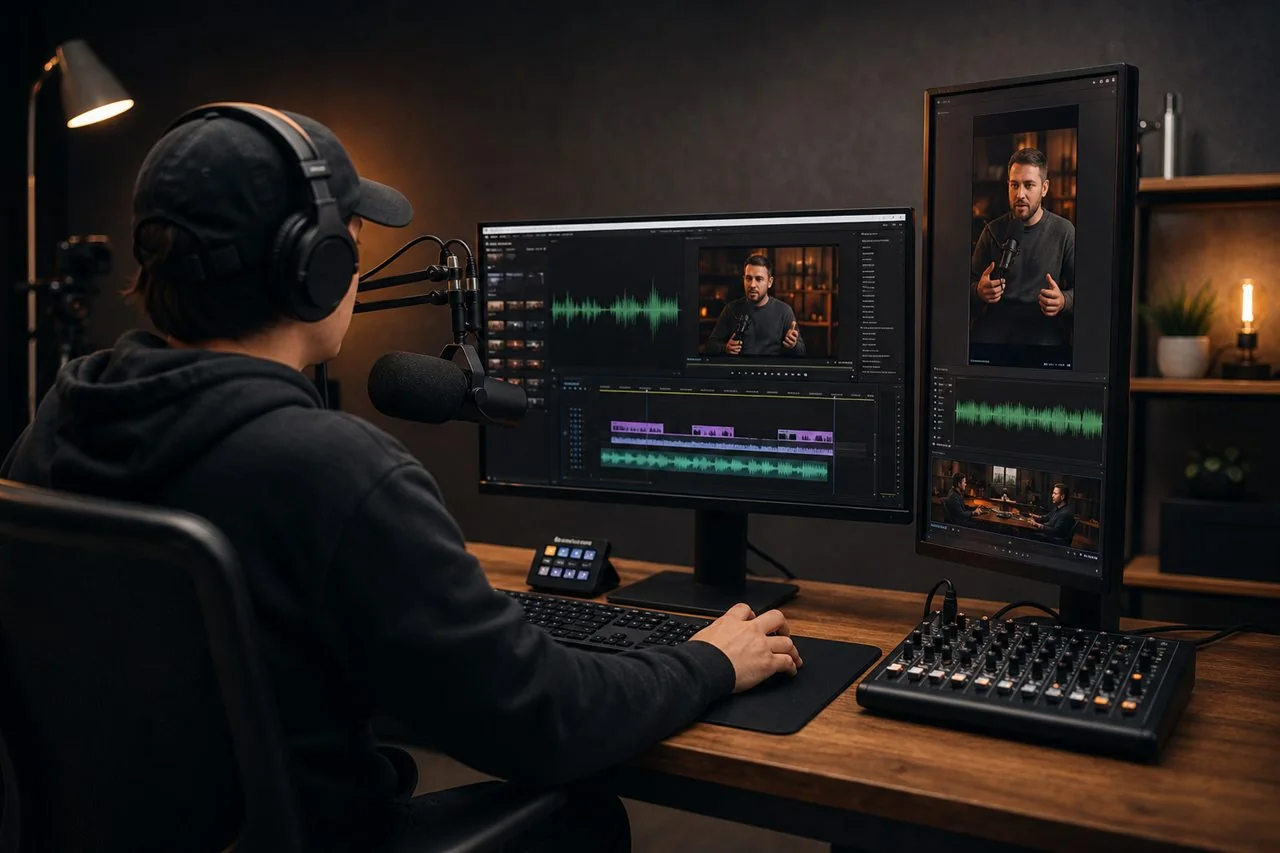
From a recording to a finished short
Find a short moment worth sharing and adjust the AI suggestions to fit your footage.Upload a recording or paste a link
Start with an MP4, MOV or MKV file, or paste a supported Twitch, Kick or public Google Drive link. Use footage you have permission to edit.
Pick a highlight and frame it
Review the AI suggestions and choose a moment with enough context to stand on its own. Use a 9:16 crop for short-form video and keep the speaker or gameplay in view.
Edit the captions and export
Correct names and timing, then preview the clip with sound. Keep captions inside the frame and away from the buttons that cover part of the video on social apps.
Before you make your first clip
Is LATO free to use?
Yes. You can find highlights, edit and export clips for free. There are no credits to buy and no credit card is required to sign up.
Do I need an account?
LATO uses Google or email sign-in for your own videos. Use Clipso sign-in separately if you want to join a clipping campaign.
Can I make clips from a stream or podcast?
Yes. Start with a supported stream link or a recording you have permission to use. For interviews and podcasts, keep enough of the question for the answer to make sense in the short.
Edit for a Clipso campaign
Join Clipso to see available briefs. Check the approved footage, eligibility, platforms, and payment terms before you start editing.When your edit is ready, publish it from an eligible social account connected to Clipso and submit the public post link for review. Payment depends on the campaign terms and review outcome.